![[Title Bar]](/images/header.gif)
Back to Thumbnail Gallery
Click the arrow icons to view the previous or next picture.
Alternatively, press the left or right arrow keys.
To scroll horizontally for panoramic pictures, either
click on the horizontal scrollbar, or hit <shift>-<tab>
to toggle focus off of the main window, and then the arrow keys
will work as usual.
Hitting the <tab> key then returns focus to the main
window and the left and right arrow keys will perform as
described above.


016a-tower-panorama.jpg
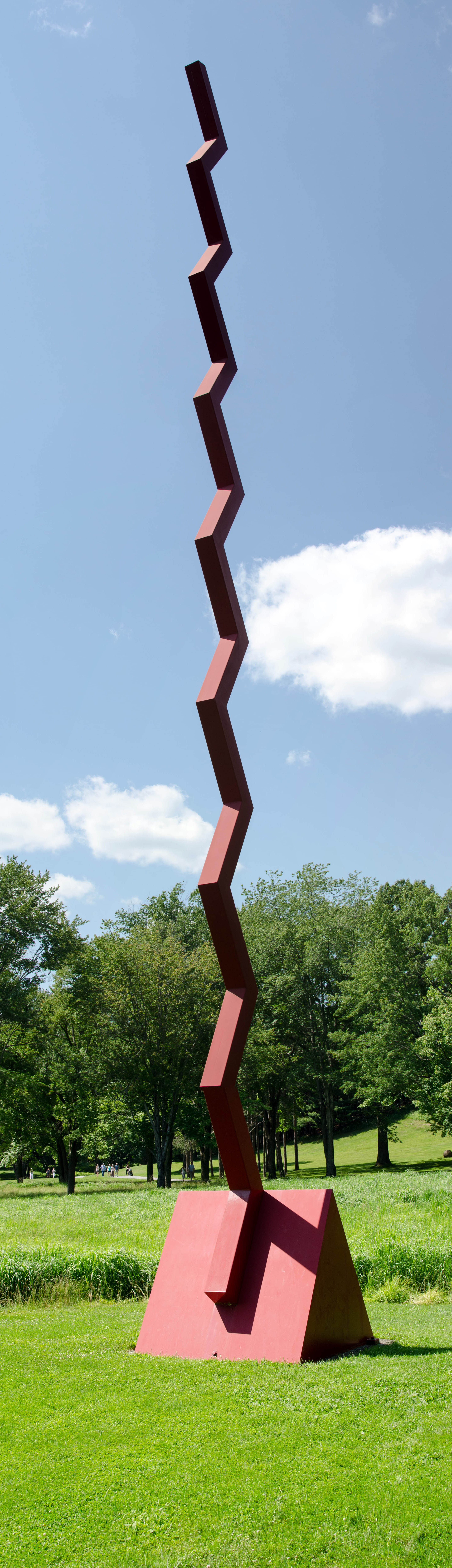
A tall panoramic shot of it. Hint: The one artifact of the stitching I've noticed is at the first 90° bend above the base.