I wanted to play with a feature of Illustrator that I've never used before
("live paint"), along with a method to do highlights and shadows. I was
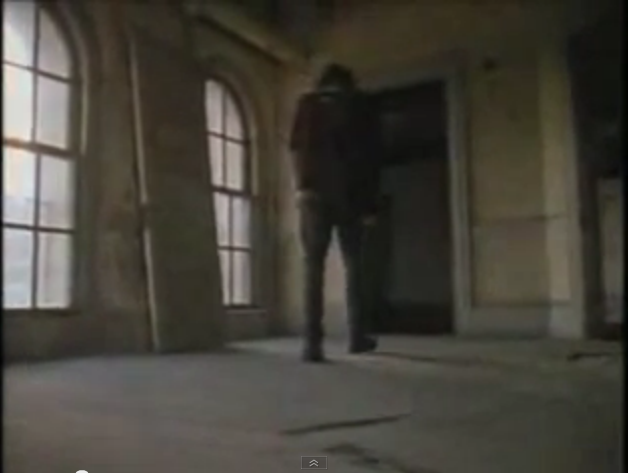
watching a music video of Concrete Blonde's version of the song Everybody
Knows, and one shot showed one of the band members
walking through an empty room of an
old house with a low angle camera. It had a cool, distinctive mood. So I
used that as a reference. I draw it freehand and then did some brush
strokes for the person and used the pen tool for the curves and straight
lines (I can't draw straight lines), and then used live paint mode to color
the image and added some highlights and shadows. It all looks rather
primative, but the rough design does sort of capture the idea of the
original. And since my "sketch of the day" section is meant for quicker,
less polished drawings, I think this qualifies. Also, this is probably
the most effort I've spent on the pop-up/hover text for an image.

![[♪ Everybody knows that the doodle's crappy, everybody knows that it's just a trace, everybody'd like to see a masterpiece, even if it's just a smiley face, everybody wants to be a Rasta, everbody needs a free Picassa or a few Van Goughs, everybody knows... ♪ ]](images/Drawings/Sketches/everybody-knows.png "[♪ Everybody knows that the doodle's crappy, everybody knows that it's just a trace, everybody'd like to see a masterpiece, even if it's just a smiley face, everybody wants to be a Rasta, everbody needs a free Picassa or a few Van Goughs, everybody knows... ♪ ]")